
 Login

Tips for organisations joining Mastodon and the Fediverse
If you run an organisation of any kind (non-profits, businesses, clubs etc), this guide is aimed at helping you get the most out of being on Mastodon and the Fediverse. The Fedi works a bit differently to social networks you may be used to, and has some unique advantages as well as unique challenges.
Why would my organisation want to join Mastodon? Why would I join the Fediverse?
Over the last few years, it’s no secret that centralised social networks have been degrading. Users’ privacy is being invaded, their timelines are being manipulated by opaque algorithms, and advertisements are becoming ever more pervasive.
Organisations also suffer on centralised social networks, with hidden charges just for reaching your own followers, nasty surprises from opaque algorithms, and the impossibility of getting help if there’s a technical problem. Centralised social networks sometimes delete organisations’ accounts without any explanation or right of appeal.
Mastodon and the Fediverse address all these problems both for users and organisations:
- There are no advertisements
- There is no algorithm
- The network is spread across thousands of totally independent servers that talk to each other, so users can interact but the network cannot be bought out or go bankrupt
- Each server is run by humans who are easy to reach, you will be able to discuss any problems directly with the owner
- If you don’t like how your server is run, you can move your account to a different server without losing your followers
- You can even set up your own server if you want total control over how your social media presence is run, it costs a few euros a month and doesn’t require technical skills
By setting up a presence on the Fediverse, you are not only helping your organisation but also helping your followers by giving them a nicer way to follow you.
What is the Fediverse anyway? How does it relate to Mastodon?
Mastodon is a type of social network that is part of a wider network called the Fediverse. If you want a really brief and easy-to-understand intro, watch this video ⧉. If you would like a bit more depth, have a look at Mastodon’s official intro video ⧉.
The Fediverse is a collection of social networks that use a common standard to talk to each other. If you’re on the Twitter-style network Mastodon you can seamlessly follow and interact with accounts from the YouTube-style network PeerTube, the Instagram-style network Pixelfed, the Goodreads-style network BookWyrm etc. Your timeline may contain posts from many different social networks, and the collective term for all of these compatible networks is “The Fediverse”.
You may find the “What is the Fediverse?” short animation ⧉ useful for understanding why the Fediverse exists, and if you want more detail there’s a Fediverse guide here.
How does my organisation get started on the Fediverse?
If you just want a general social media presence, the best-supported option is probably Mastodon, a Twitter-style social network. You can sign up on an existing server or create your own server.
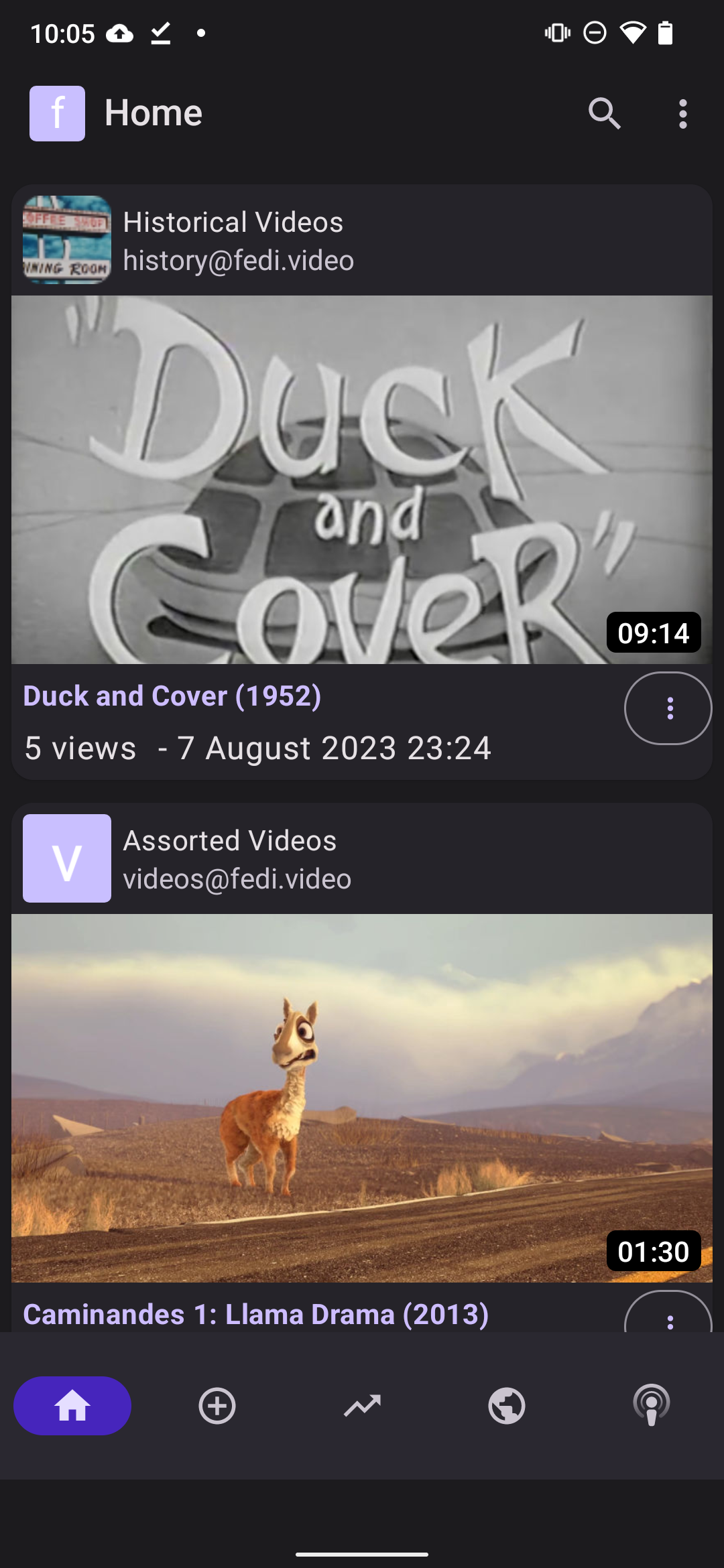
If you’re specifically wanting to publish videos, you might want to set up an account on PeerTube, the Fediverse’s video platform.
How do I verify my organisation’s identity?
There are several options for accounts to get verified, see the guide to account verification for more details.
How does my organisation get more followers and interactions on the Fediverse?
If you’re already on the Fediverse, you might want to go through this checklist of ways to get more visibility for your account and posts.
Proactive organisations might want to also follow more accounts themselves.
How does my organisation let people know which account to follow?
Fediverse account addresses have two parts, the username and the server name:
@ (user) @ (server)
If you want to promote your organisation’s account, it’s important to mention both parts in any promotional material. People will be able to follow your account by putting this address into the search box on their server. More info about this on the account address guide.
Do you have more info about how an organisation can run its own server?
Yes, there’s a guide here with tips for servers run by organisations.
Where can I get more help with using Mastodon and the Fediverse?
Have a look at the front page of Fedi.Tips to see a complete list of guides to using the Fediverse.
 Back to the front page
 Preferences (if you’re on mobile click click
 NOTE: Seriously, do NOT select Overwrite, that would make things much worse as it would replace your current follows with just the ones you lost.
 Back to the front page
 Preferences
 Back to the front page
 Notifications section and click the Mentions tab at the top of the screen.
 on an account’s profile
 Please don’t use flashing images or animations in posts or profiles! This includes attachments and emoji, anything which produces a rapid series of flashes. Flashing images
 Preferences

 next to the first post’s numbering as a visual pun to indicate a thread.
 Back to the front page

 and then select Add Poll
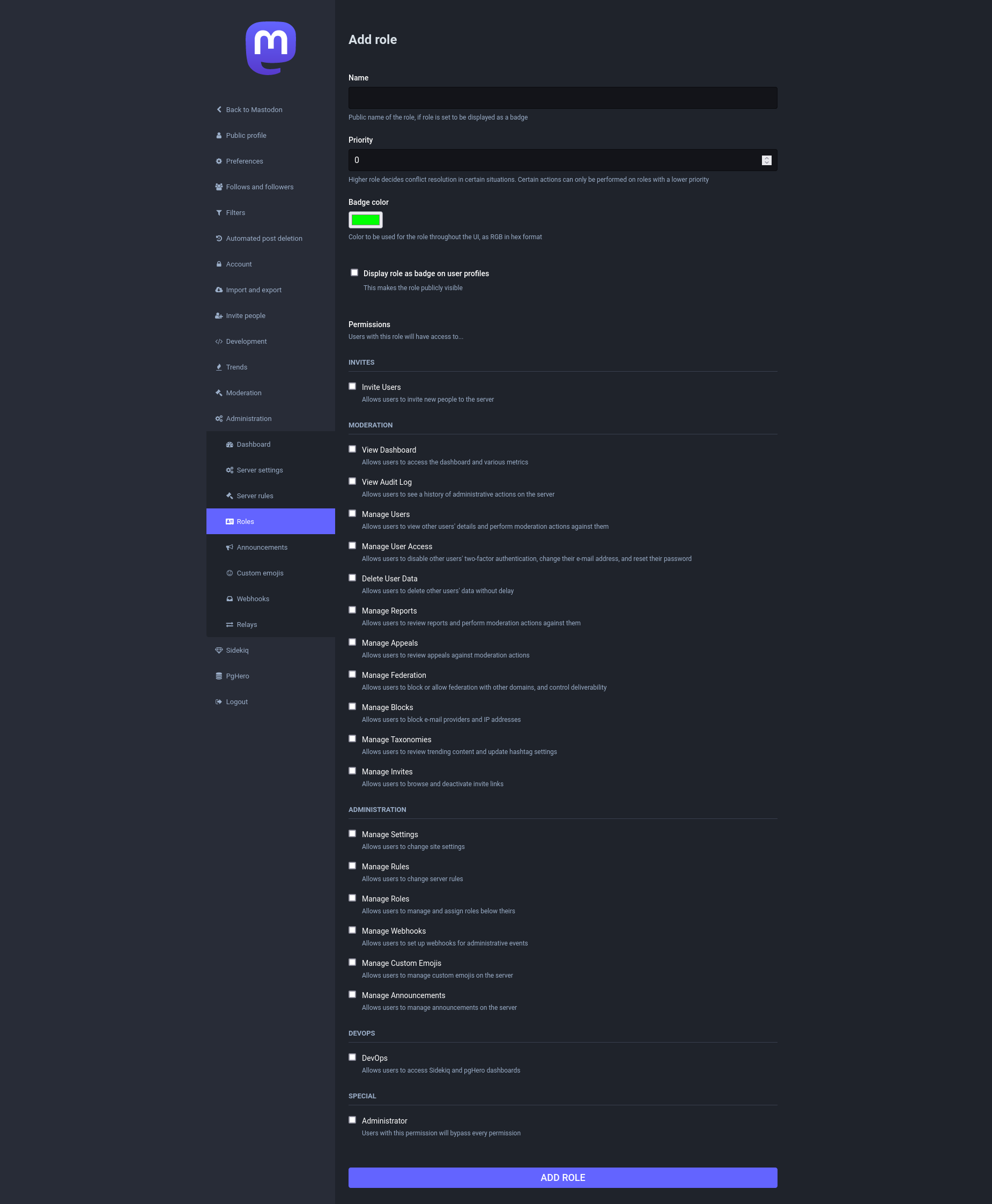
 Preferences > Administration > Relays
 WARNING: Some relays are better moderated than others. Some relays may contain content that breaks your own server’s rules, or may even be illegal in your country. It’s really important to check what kind of content a relay contains before you connect your own server to it. Relays are usually based on specific servers, so you can see such a relay’s content by browsing its server’s Federated feed and reading that server’s rules.

